
The Best Way to Share Model Portfolio Photos
A practical workflow for sharing model portfolio photos privately with galleries, review links, original downloads, and clear access rules.
Recommendations
5 min read

Published June 18, 2026 | 5 min read
The best gallery platform for portfolio photographers is not the tool with the longest feature list. It is the platform that matches your actual handoff: private review, organized albums, mobile-friendly previews, clear final downloads, and access controls that clients, models, agencies, and collaborators can understand.
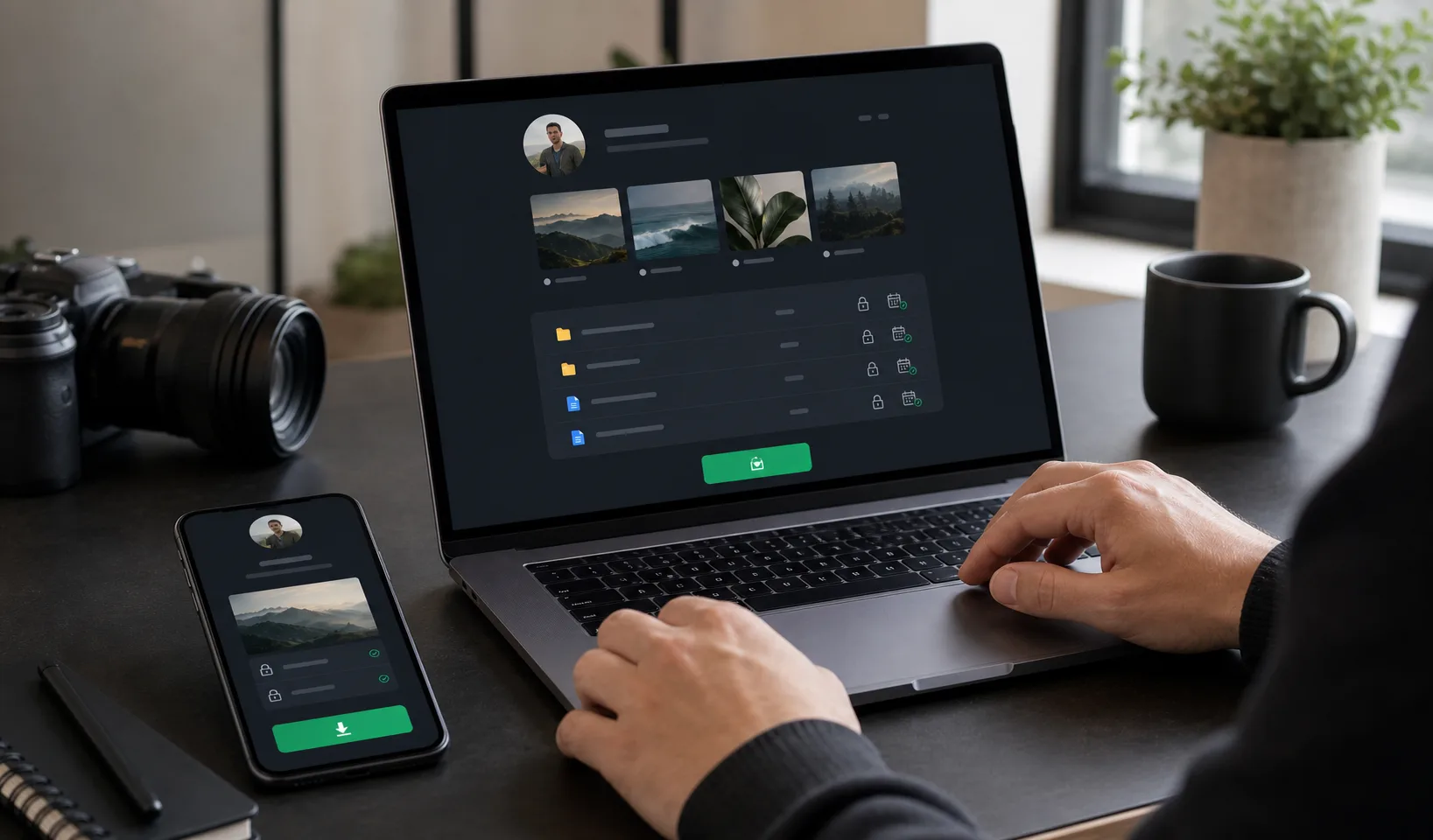 Choose a portfolio gallery platform by workflow fit: review, organization, privacy, mobile browsing, and final delivery.
Use Gampi when you need a focused gallery and delivery workflow for portfolio shoots without a heavy studio-management platform.
Portfolio photography has more review context than a simple file transfer. A model may need to compare looks. A personal brand client may need polished previews before choosing finals. An agency may need a private review page before files are shared more widely. The gallery platform should reduce confusion at each stage.
Feature | Why it matters | What to verify |
|---|---|---|
Private review links | Portfolio proofs are often not ready for public use. | Whether links can stay private and how access is shared. |
Organized albums | Models, brands, and agencies need to scan by look, shoot type, date, or final use. | How clearly the platform separates review sets and final sets. |
Previews | Recipients should browse before downloading heavy files. | How image previews behave on desktop and mobile. |
Original downloads | Final portfolio files may need full-resolution delivery. | Whether originals or final exports can be downloaded clearly. |
Password protection | Private, paid, unreleased, or sensitive work may need extra access control. | Where passwords apply and how recipients enter them. |
Expiration | Some final links should not remain open forever. | What happens when a link expires and whether downloaded files are affected. |
No-account access | Clients should not need a confusing signup just to review or download. | Whether recipients can open shared links in the browser without creating an account. |
Mobile experience | Many recipients open portfolio galleries first on a phone. | Preview clarity, navigation, and download behavior on mobile. |
 A strong gallery platform should feel clear on both desktop and mobile, especially when clients open the link first on a phone.
Platform type | Best for | Limit |
|---|---|---|
Full proofing suite | Studios that need built-in favorites, comments, approvals, print sales, invoices, or business automation. | Can be heavier than needed when the workflow is simply review, select, retouch, and deliver. |
Website portfolio builder | Public presentation, SEO pages, portfolios, and brand credibility. | Often weaker for private delivery, expiring links, large files, or final handoff packages. |
Cloud folder | Internal storage, backups, and collaborator file access. | Can feel messy for clients and may mix proofs, finals, alternates, and archives. |
Transfer tool | Sending a final archive, folder, or finished file package. | Usually not enough when recipients need a visual gallery review first. |
Gampi | Focused portfolio preview and final delivery with organized links, client-friendly browsing, and access controls. | Not positioned as a full studio-management suite with booking, contracts, invoices, print sales, or advanced proofing approvals. |
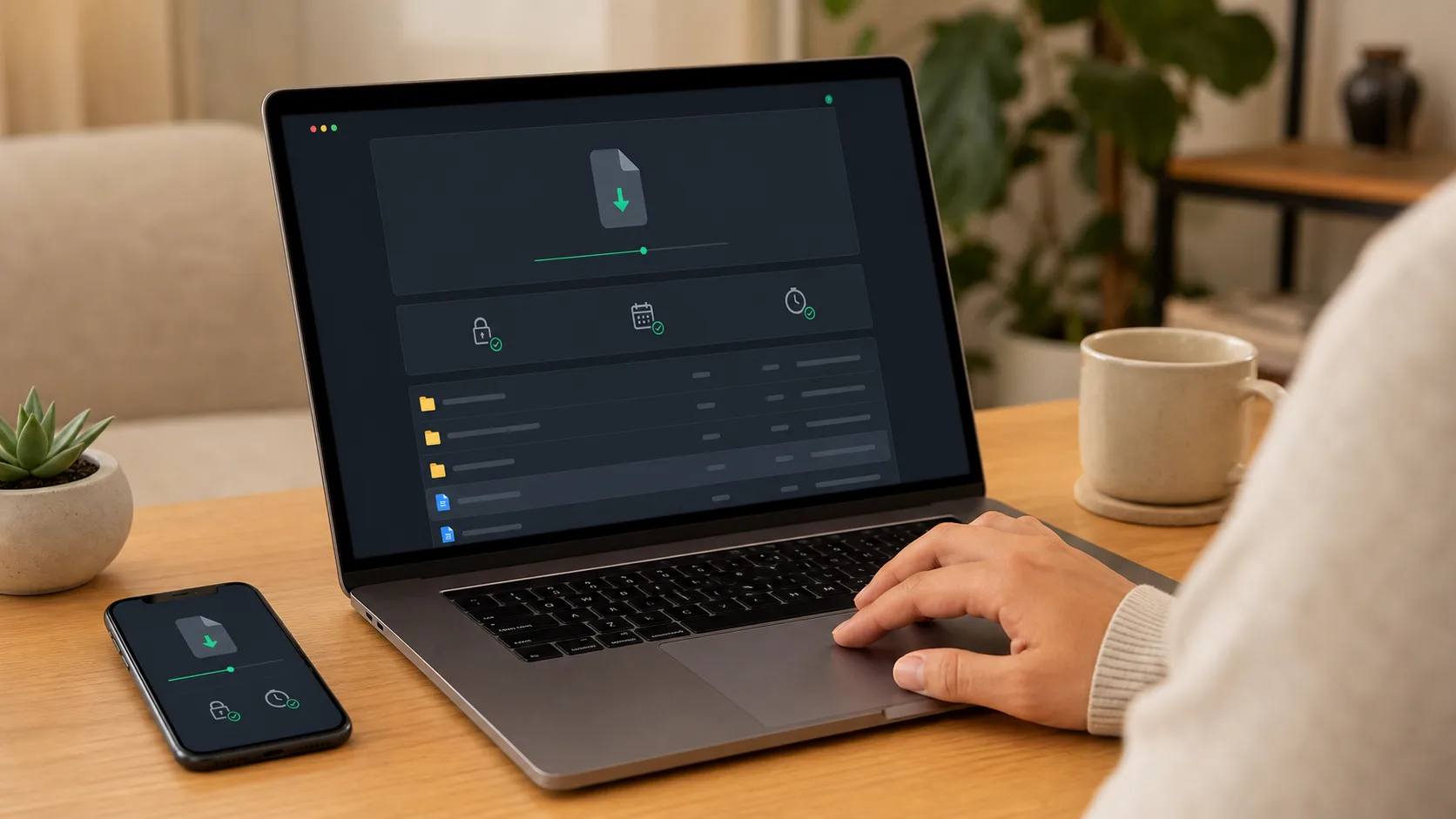 For final delivery, the gallery platform should make the approved files easy to identify and download.
For related portfolio workflows, read portfolio photography gallery for client review, the best way to share model portfolio photos, photographer portfolio delivery workflow, and best gallery platform for wedding photographers.
Share private portfolio previews, organize final sets, and deliver finished files through a focused Gampi link.
The best option depends on the workflow. Choose a full proofing suite for built-in approvals and business tools, a website builder for public portfolio marketing, or a focused gallery and delivery platform like Gampi when you need private review and final file handoff.
The most important features are private review links, organized albums, previews, clear final downloads, password protection when needed, expiration options, no-account recipient access, and a strong mobile experience.
Yes. Model portfolio galleries should often stay private during review, agency discussion, or before usage permissions are clear. Use private links and password protection when the set is sensitive.
A client-friendly workflow should avoid unnecessary account friction. Shared preview or delivery links can open in the browser; if password protection is enabled, the recipient enters the password first.
A gallery platform is usually better for client-facing review because it gives visual context, previews, and clearer delivery flow. A cloud folder is still useful for backup, editing collaboration, and internal storage.
A practical workflow for sharing model portfolio photos privately with galleries, review links, original downloads, and clear access rules.
A criteria-first guide to choosing a wedding gallery platform for previews, downloads, privacy, mobile access, QR sharing, and client handoff.
A practical criteria-first guide to choosing a photo delivery platform for freelance photographers.