
The Best Way to Send Full Wedding Galleries to Clients
A practical workflow for sending complete wedding galleries with organized albums, client-friendly downloads, access controls, and fewer handoff problems.
Recommendations
5 min read

Published June 18, 2026 | 4 min read
The best gallery platform for wedding photographers is the one that matches your handoff criteria: clean client viewing, easy downloads, privacy controls, mobile access, and a workflow that does not confuse couples. Some photographers need a full studio suite; others need a focused gallery and delivery tool.
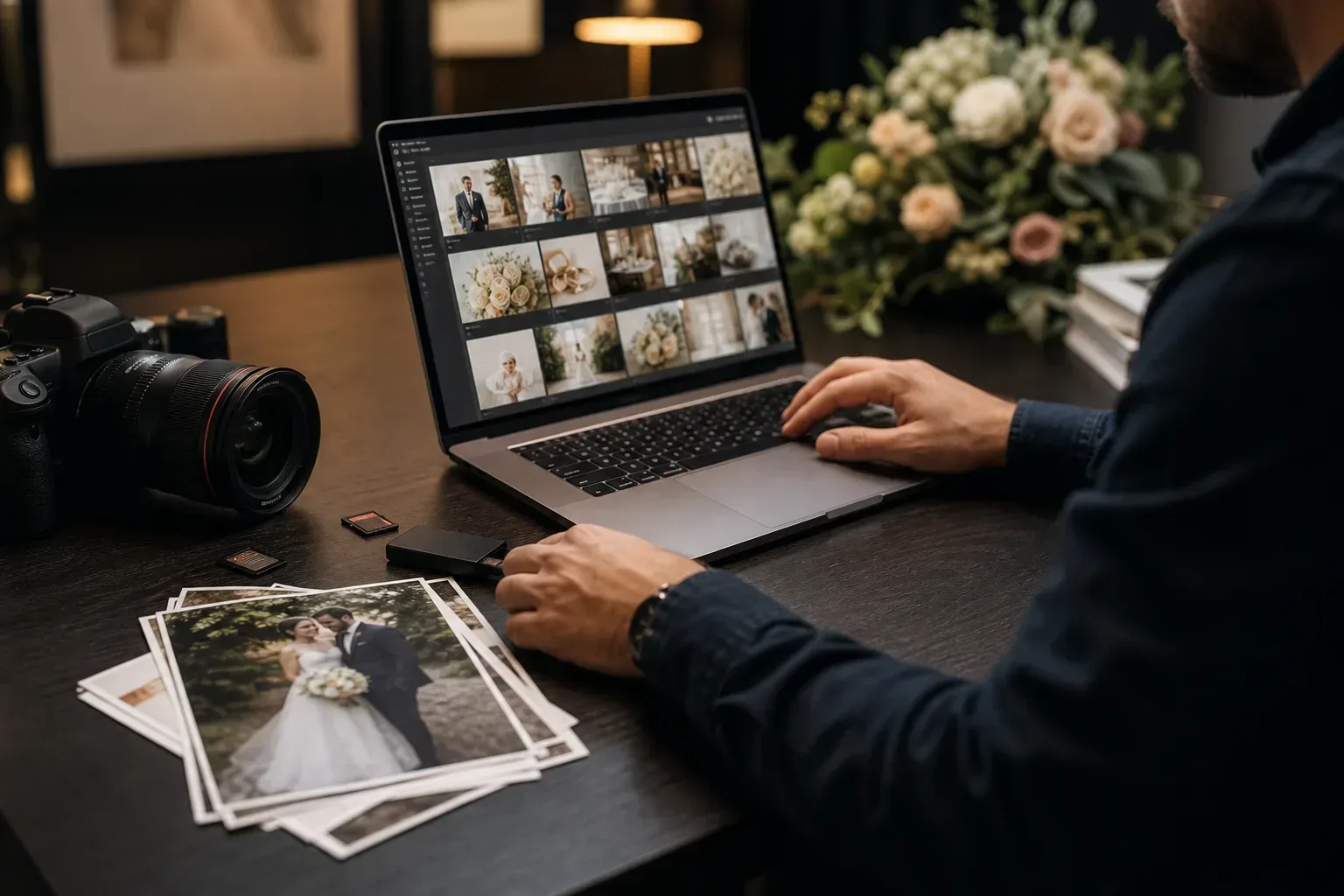 Choose a wedding gallery platform by client workflow, not by the longest feature list.
Wedding delivery has two audiences: the couple who wants a beautiful way to relive the day, and the photographer who needs a practical way to deliver files without extra support messages. A good platform should make previews, final downloads, privacy, and sharing feel obvious.
Feature | Why it matters for weddings | What to verify |
|---|---|---|
Previews | Couples browse before downloading heavy files | Image and video preview behavior |
Original downloads | Final files should match what you promised | Original or full-resolution download path |
Password protection | Private weddings should not be open to everyone with a link | Where passwords apply |
Expiration | Some delivery links should not stay open indefinitely | Expiration behavior and what happens after deadline |
Guest access | Family and guests may need a simple viewing path | Whether guests need accounts |
Mobile experience | Couples often open the gallery first on a phone | Preview, navigation, and download clarity |
QR sharing | Cards, signs, and wedding websites can route guests to one gallery | Whether QR is native or created from a copied link |
Analytics | Some photographers want view/download signals | Whether analytics exist before promising them |
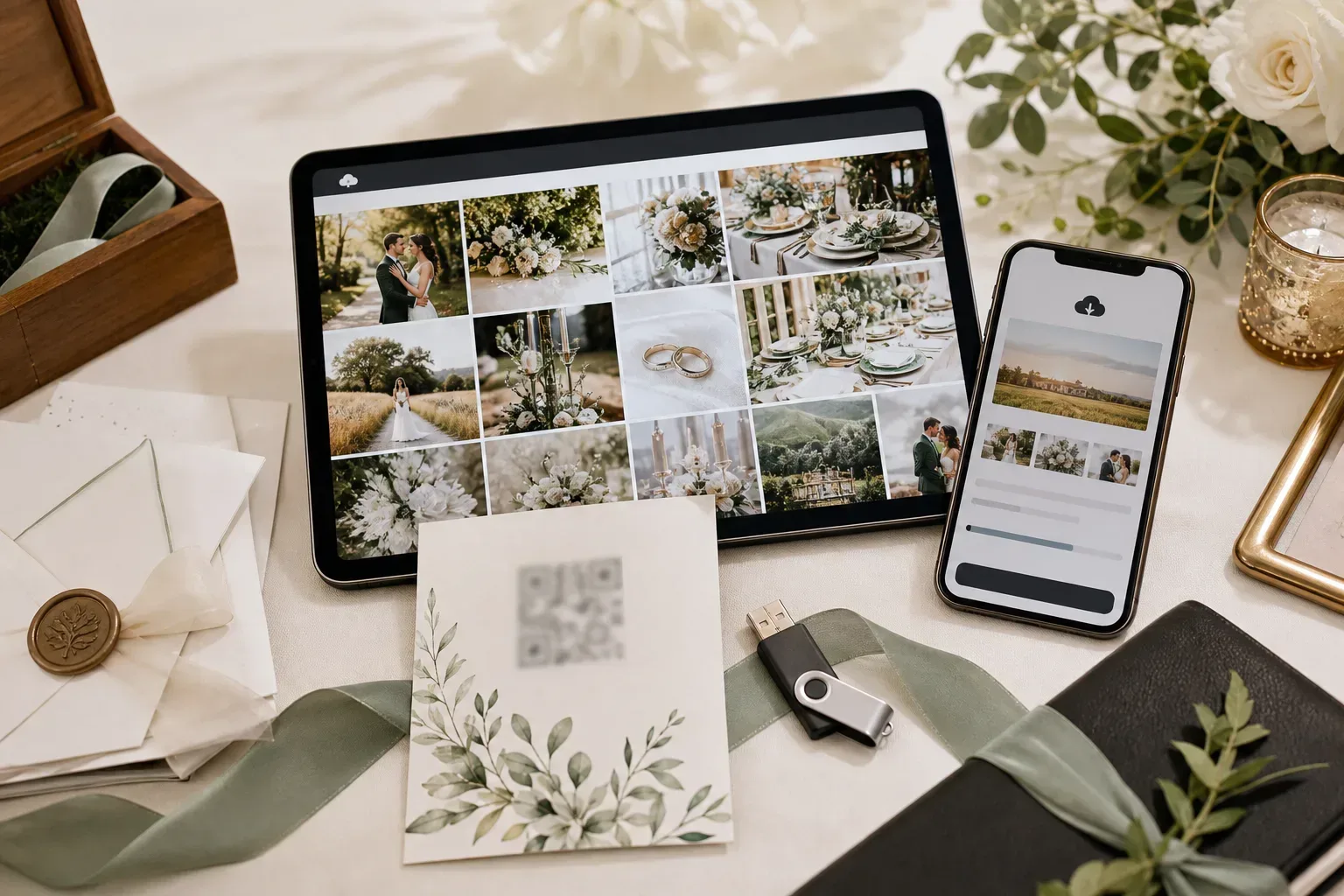 A strong wedding gallery workflow balances album organization, client viewing, and final download access.
Platform type | Best for | Limit |
|---|---|---|
Full gallery suite | Studios that need proofing, sales, deep branding, automations, and broad business tooling | Can be heavier than needed if you mainly deliver files and galleries |
Cloud folder | Internal storage, backups, and editor collaboration | Permissions and folder navigation can feel messy for couples |
Transfer tool | Sending a finished package, archive, or vendor selection | May not provide a polished gallery browsing experience |
Gampi | Focused wedding gallery delivery, simple sharing, downloads, QR-friendly links, and access controls | Not positioned as a full studio-management suite with contracts, invoices, proofing comments, or album design |
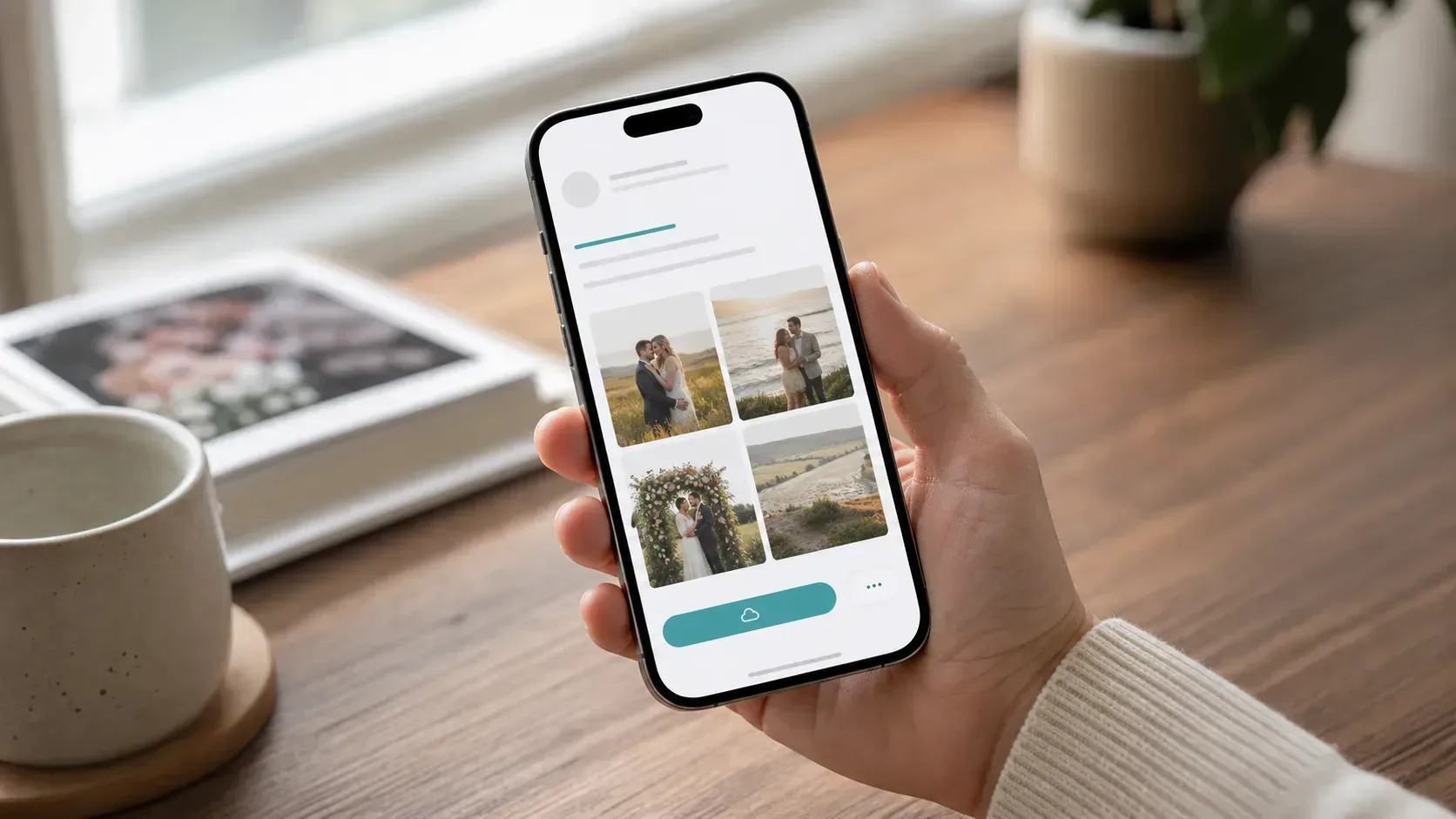 The client side should be simple: open the link, preview the photos, understand access rules, and download when intended.
For related planning, read photo delivery platform for wedding photographers, how to deliver wedding photos to clients, and best way to send full wedding galleries.
Use Gampi when you want gallery presentation, client downloads, QR-friendly sharing, and focused delivery controls without a heavy studio suite.
The best platform depends on your workflow. Choose based on previews, client downloads, privacy controls, mobile experience, guest access, QR sharing, and whether you need a full studio suite or a focused delivery tool.
The most important features are easy client viewing, original or full-resolution downloads, password protection, expiration options, mobile-friendly pages, clear sharing, and a download path couples understand.
A client-friendly delivery workflow should avoid unnecessary account friction. Shared Gampi delivery links can open in the browser; password-protected links ask for the password before access.
Use password protection when a wedding gallery or delivery link is private, paid, sensitive, or easy to forward. Always confirm where the password applies before sending.
A simple delivery link is enough for sneak peeks, vendor files, family downloads, and final archives. Use a gallery when the couple needs to browse the full wedding story before downloading.
A practical workflow for sending complete wedding galleries with organized albums, client-friendly downloads, access controls, and fewer handoff problems.
A practical wedding photo delivery workflow covering previews, galleries, final transfers, access settings, and client expectations.
A criteria-first guide to choosing a gallery platform for portfolio photographers who need private review, organized albums, and clean final delivery.