
WeTransfer Alternative for Photographers: When To Use Gampi Instead
A practical comparison of generic transfer links and Gampi Simple Transfer for photographer client delivery.
Recommendations
4 min read

Published June 16, 2026 | 5 min read
Client file delivery for photographers is the final handoff after the shoot. With Gampi Simple Transfer, photographers can send finished files through clean download pages with previews, optional passwords, expiration controls, and original-quality downloads.
The delivery page should make the client feel confident that the files are ready, private, and easy to save.
Generic links move files, but they often make the last step of the client experience feel unfinished.
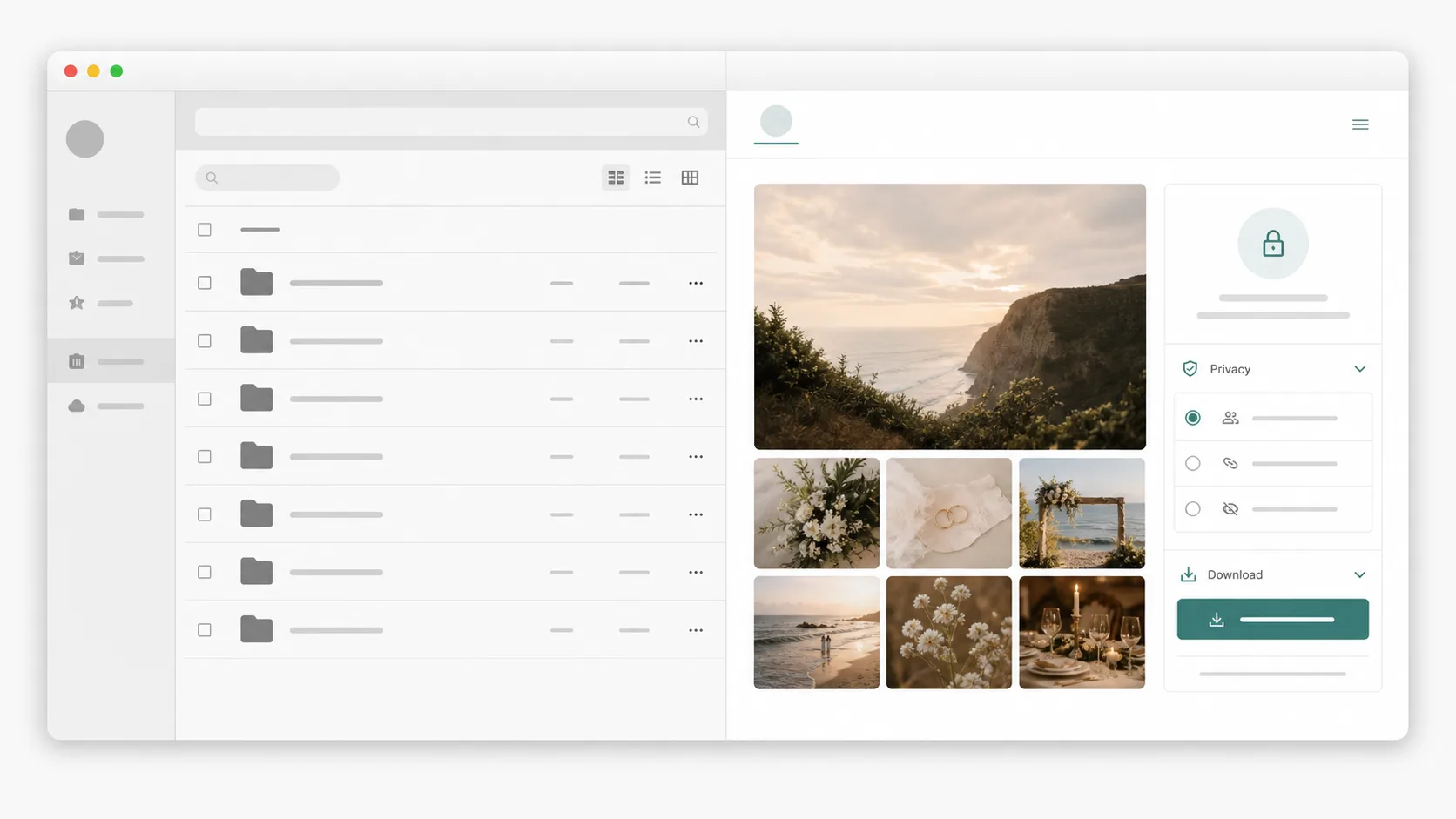 A polished delivery page makes the final handoff feel intentional instead of administrative.
Most clients do not care which storage provider is behind the page. They care that the link opens, the photos look right, and the download button works.
Delivery option | Best fit | Watch out for |
|---|---|---|
Email attachments | Tiny proofs or one small document | File limits, compression, and buried download links |
Cloud folders | Ongoing collaboration with repeat updates | Permission confusion and account prompts |
Generic transfer link | One-off file movement | Little client context, branding, or gallery connection |
Client gallery | Browsing and presenting finished photo sets | Not always ideal for archives, folders, or mixed file packages |
Gampi Simple Transfer | Final professional delivery with preview and download | Best after files are selected and ready to hand off |
Gampi connects direct file delivery with photographer workflows: Simple Transfer for finished files, street photo albums for QR-based event delivery, and wedding albums for event pages and guest sharing.
For deeper delivery decisions, read The Best Way to Share High Resolution Photos With Clients, Password Protected File Transfer for Photographers: When and How To Use It, Temporary Download Links for Photographers: How to Share Photos With More Control, and No-Account File Sharing for Clients: Make Downloads Easier before sending the final client link.
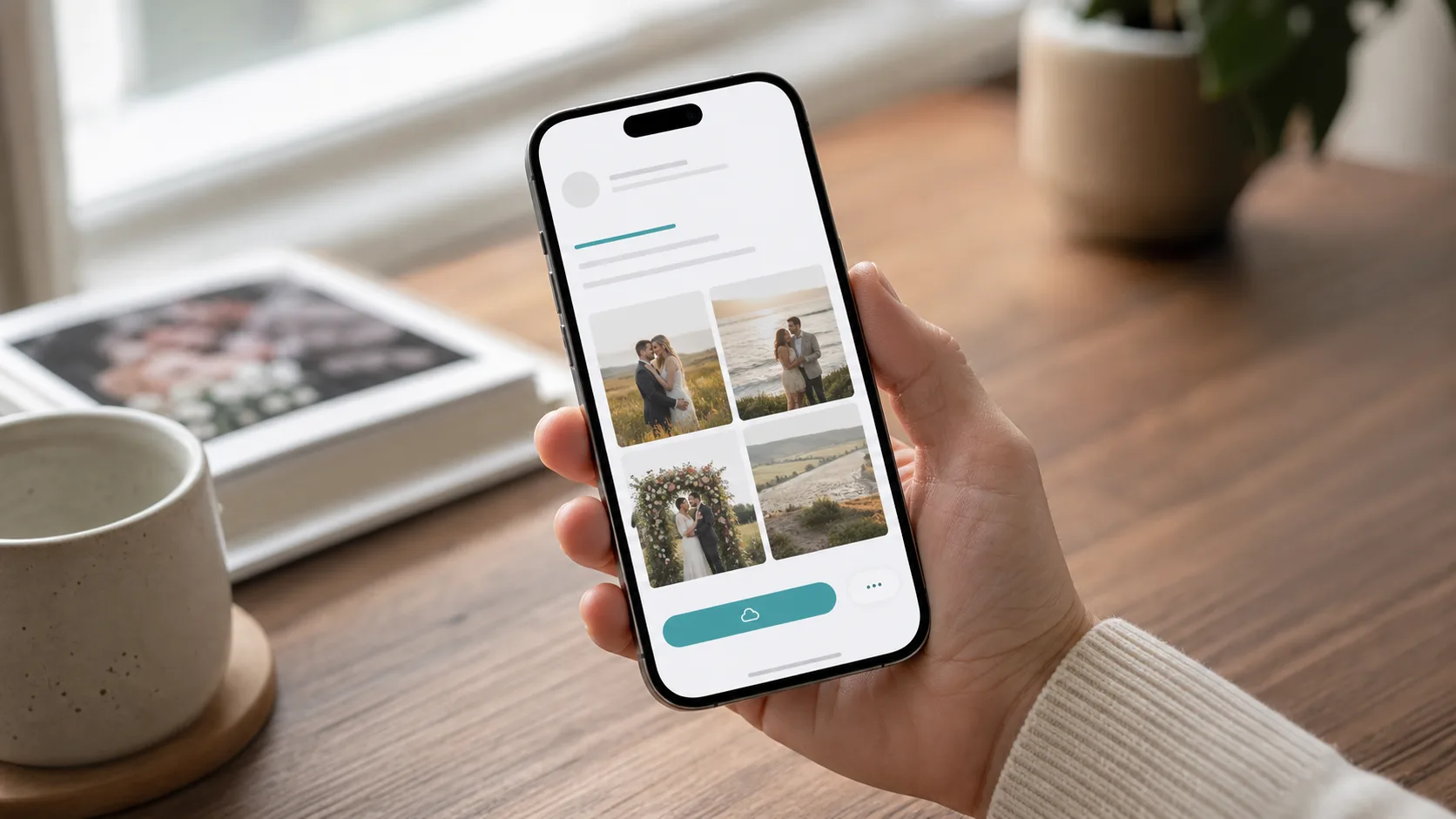 Client delivery has to work on mobile because many clients open the link from messages first.
Use password protection when files are private, sensitive, paid, or shared with a limited audience. Use expiration when the link is meant for short-term delivery rather than permanent hosting.
Premium delivery is not a complex portal. It is clarity, branding, fast previews, and one obvious next step.
Send finished photos, videos, albums, and client documents through a clean delivery page.
Use a dedicated delivery page with previews, original downloads, optional passwords, expiration, and no-account recipient access. It is usually more professional than email attachments or a bare folder link.
Photographers can upload large files to a transfer or gallery platform and share a download link. For final delivery, the platform should preserve original files while using optimized previews for speed.
Google Drive can work for shared work folders, but a client delivery tool is often better for final handoff because it reduces permission issues and creates a cleaner client experience.
Gampi Simple Transfer is designed so recipients can open a delivery page and download files without creating an account.
Final downloads should use original-quality files. Optimized files are useful for browser previews, but clients should receive the real deliverable when they download.
A practical comparison of generic transfer links and Gampi Simple Transfer for photographer client delivery.
A practical guide to sending large photo files, RAW folders, videos, and documents with a clean client download page.
A practical guide to lightweight client file delivery for freelancers who need polished handoff pages without a heavy project portal.