
WeTransfer Alternative for Photographers: When To Use Gampi Instead
A practical comparison of generic transfer links and Gampi Simple Transfer for photographer client delivery.
Recommendations
4 min read

Published June 17, 2026 | 3 min read
Dropbox can be useful for storage and team folders. Gampi is a better fit when the photographer needs a client-facing delivery page, visual previews, controlled sharing, and a workflow connected to galleries or transfers.
Use Gampi to send polished client links for photos, videos, folders, archives, and galleries.
Project type | Dropbox-style folder | Gampi fit |
|---|---|---|
Wedding | Useful for internal storage | Gallery plus final transfer link |
Street photography | Less connected to QR discovery | QR-friendly album workflow |
Editorial shoot | Can store production assets | Clear final package delivery |
Corporate shoot | May support team collaboration | Polished client handoff with access settings |
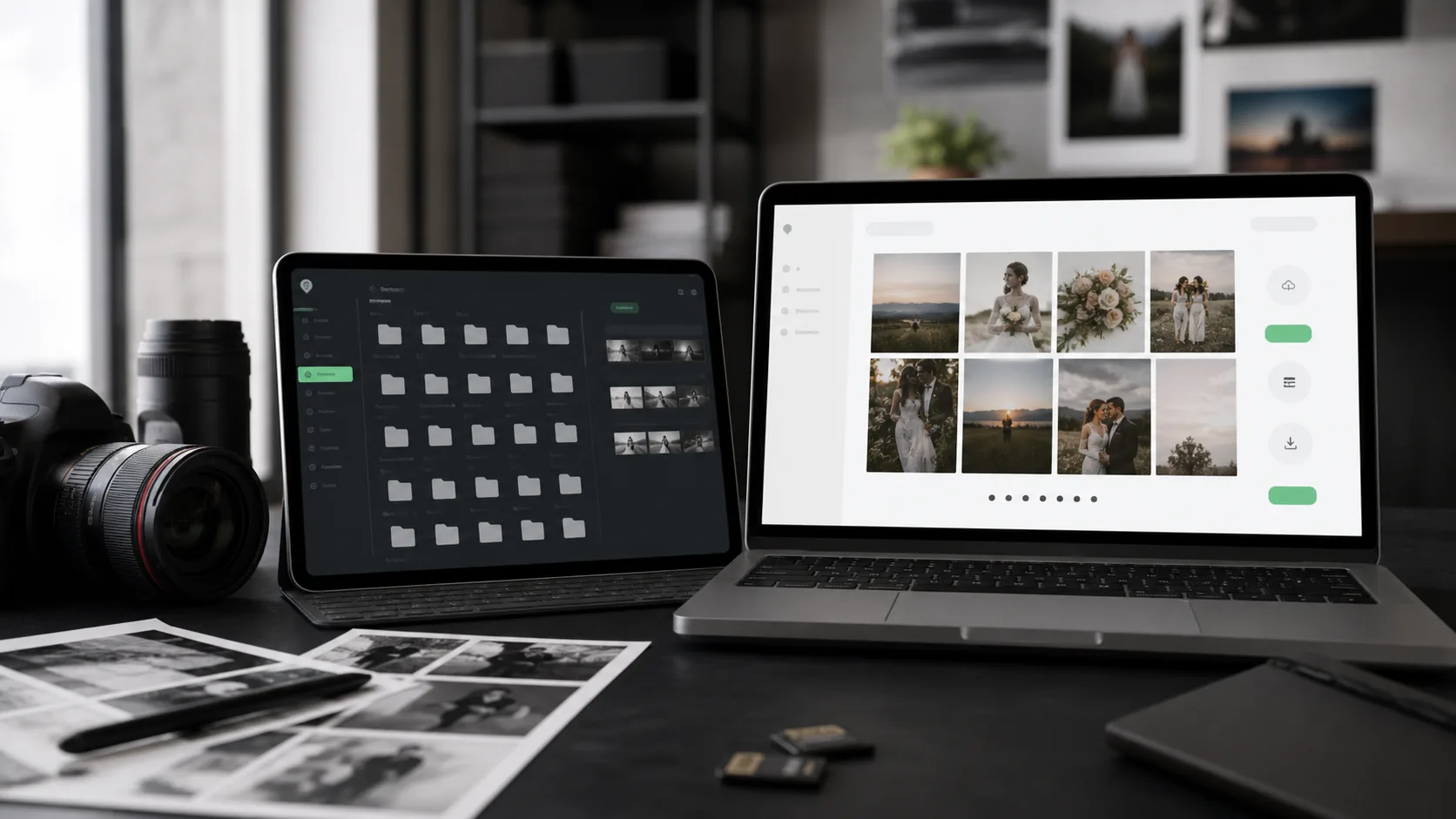 Use storage for internal organization and a dedicated delivery page for the final client handoff.
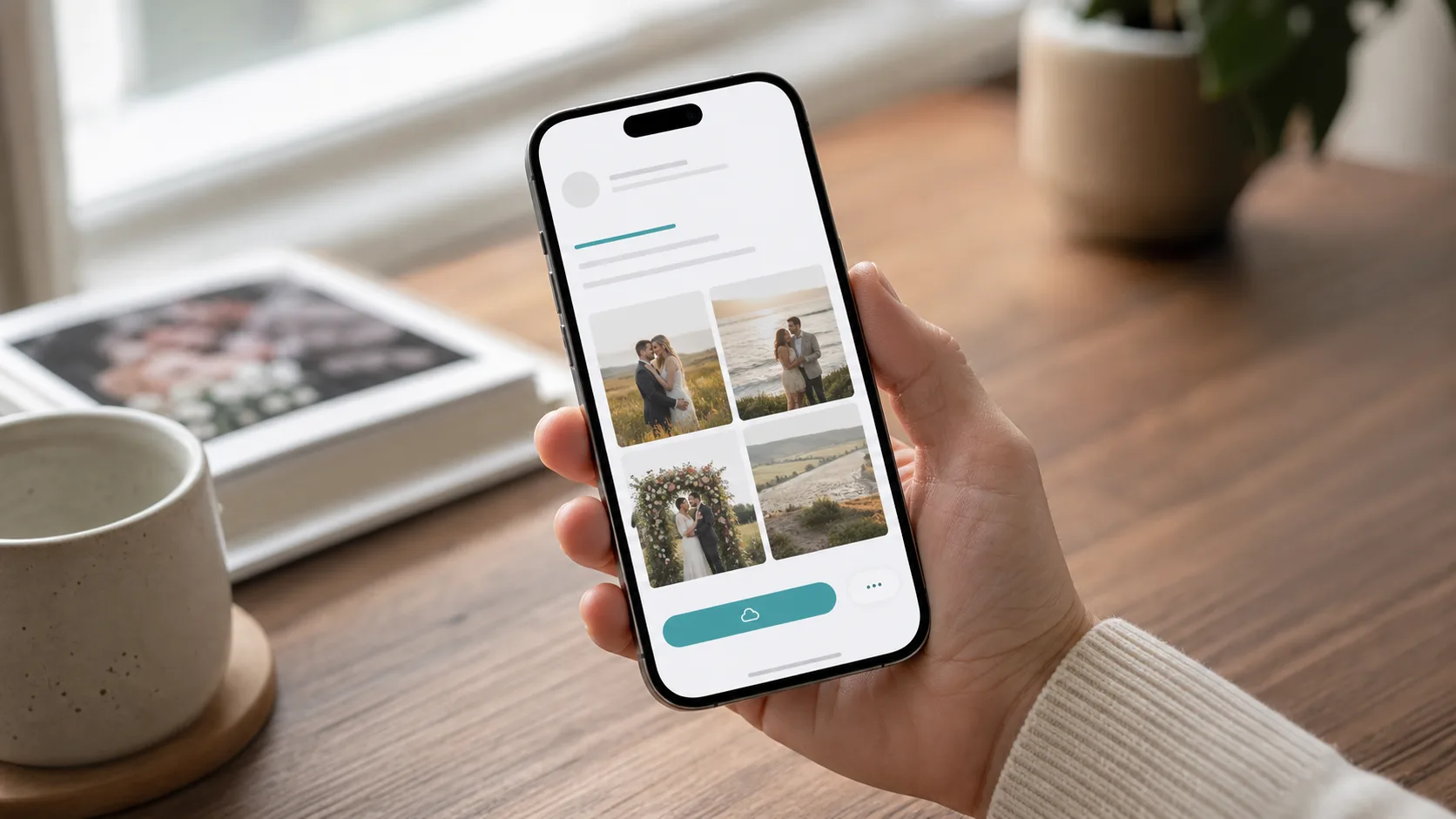 Client delivery has to work on mobile because many clients open the link from messages first.
For Dropbox exports that leave your internal folder system, use a password, an expiration window, and a short client note so the final package does not feel like an open-ended storage folder.
For related workflows, read client file delivery for photographers, simple transfer for photographers, weddingPhotography before choosing the final delivery setup.
For final delivery, use a workflow designed around client previews, downloads, and clear access settings.
It can work for simple folder sharing, but delivery-first pages are often clearer for paid client handoffs.
Use workflows that support password-protected access and keep the client path simple.
Wedding projects often need galleries and final transfer links; corporate shoots often need controlled download pages and clear packages.
That hybrid model is often practical: storage for internal work, Gampi for final client experience.
Use Gampi to send polished client links for photos, videos, folders, archives, and galleries.
A practical comparison of generic transfer links and Gampi Simple Transfer for photographer client delivery.
A repeatable process for draft review, client feedback, final gallery delivery, and downloadable handoff packages.
A practical final handoff workflow for freelancers, agencies, studios, and creators who need clients to download the right files clearly.