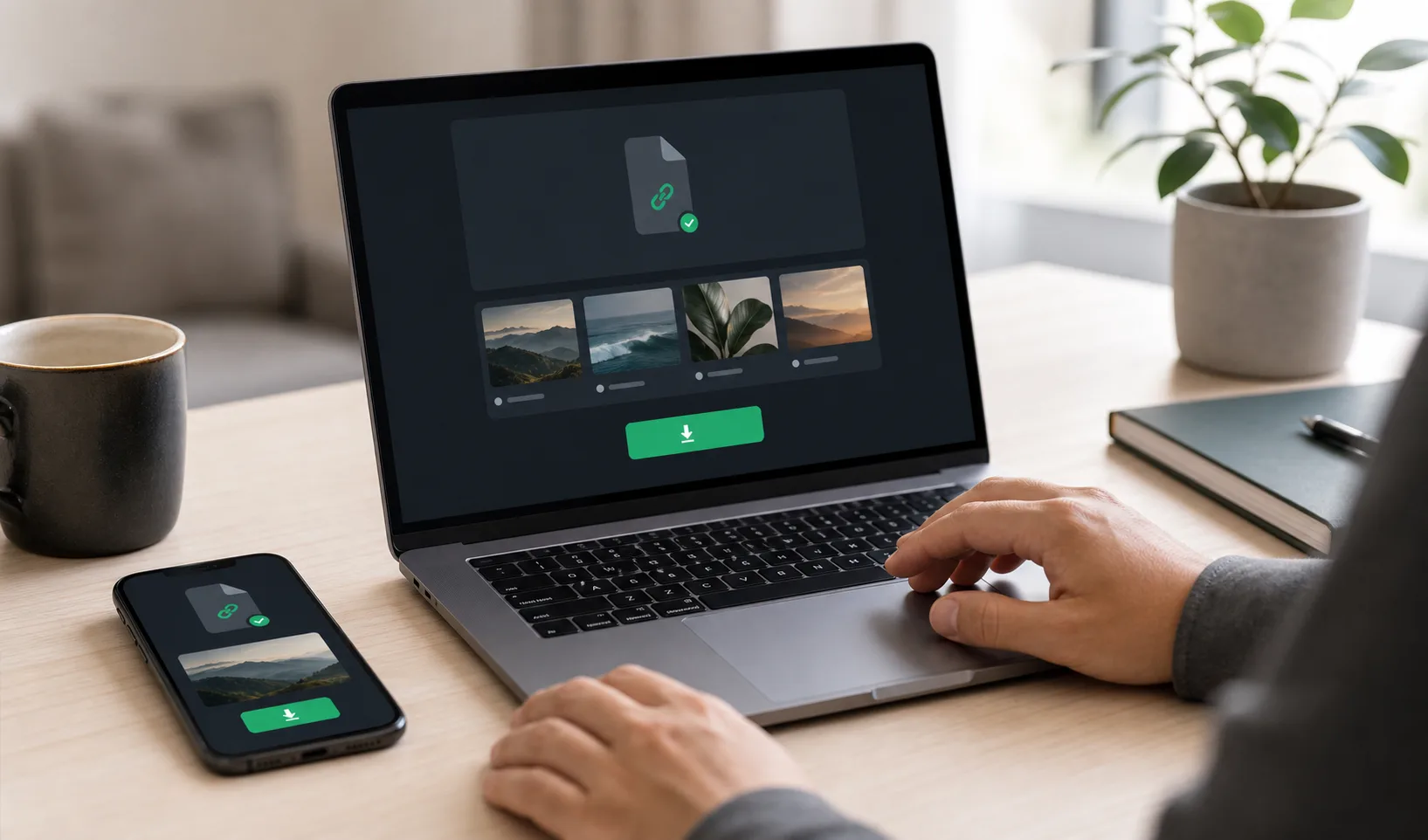
A practical workflow for sharing portfolio shoot proofs, collecting review feedback, and delivering final selected images without messy folders.
Portfolio Shoot Proofing and Final Delivery Workflow
Published June 18, 2026 | 5 min read
A practical proof-to-final workflow for portfolio photographers who need cleaner previews, selections, retouching stages, and final file delivery.
A clean portfolio shoot proofing and final delivery workflow has five stages: share an organized proof set, collect selections outside the gallery or through your agreed channel, retouch the approved images, create a final set, then deliver only the finished files through a separate download link.
Proofing and final delivery should be separate stages so clients do not confuse review previews with finished files.Move from proofs to final delivery cleanly
Use Gampi to share polished preview links, keep proof sets separate, and deliver approved final files through a focused download page.
Proofing, selection, editing, and final delivery defined
Stage | Meaning | Common mistake |
|---|---|---|
Proofing | The client, model, or collaborator reviews preview images to decide what should move forward. | Letting recipients treat every proof as a downloadable final image. |
Selection | The recipient sends chosen image numbers, file names, or notes through the agreed channel. | Collecting selections in several scattered messages without a clear deadline. |
Editing or retouching | The photographer prepares the approved images for final use. | Retouching too many uncertain images before the selection stage is clear. |
Final delivery | The finished files are sent through a separate final gallery, folder, archive, or download link. | Mixing finals with proofs so the client downloads the wrong set. |
Proof-to-final workflow map
Step | Output | Best link type |
|---|---|---|
1. Proof set | Culled previews or low-resolution review exports | Private gallery or preview link |
2. Client or model selection | Selected image numbers, filenames, or notes | Review link plus email, chat, or project notes |
3. Retouching | Approved images edited for final use | Internal working files, not client-facing |
4. Final set | Finished files separated from proofs | Final gallery or delivery link |
5. Archive or handoff | Optional archive, usage notes, or export sizes | Simple Transfer or final download package |
The selection stage should produce a clear list of approved images before final edits begin.Where Gampi fits in the workflow
Gampi works best as the client-facing preview and delivery layer around proofing. You can share a polished preview or delivery link, use access controls when the set is private, and send final files in a cleaner way than a loose folder. If your workflow requires built-in comments, favorites, selections, or formal approvals, confirm those proofing features before promising them. Otherwise, collect selections through the communication channel you already use.
- Create a proof set with only the images you want reviewed.
- Label the link clearly as proofs or review previews.
- Tell the recipient how to send selections and by when.
- Retouch only the selected images or the agreed final set.
- Upload the final files separately from the proof set.
- Send the final delivery link with download instructions, expiration notes when relevant, and backup guidance.
Proofing suite vs cloud folder vs transfer link vs Gampi
Option | Best for | Limit |
|---|---|---|
Dedicated proofing suite | Built-in favorites, comments, approvals, invoices, or complex gallery proofing. | Can be heavier than needed for simple portfolio review and final delivery. |
Cloud folder | Backup, internal editing, and collaborator storage. | Often mixes proofs, finals, alternates, and working files without client context. |
Transfer link | Sending final files, archives, or retouched packages. | Not ideal when the recipient needs to browse proofs first. |
Gampi preview or delivery link | Polished proof sharing and final file handoff with a clean recipient experience. | Selection decisions should happen externally unless proofing actions are confirmed for your workflow. |

Proofing message template
Hi [Name], here is the proof gallery: [link]. These are review previews, not final downloads. Please send your selected image numbers and any retouching notes by [date] in [email/chat/channel]. I will prepare the final edited files after selections are confirmed.
Final delivery should contain only the approved, finished files so the recipient downloads the right package.Final delivery message template
Hi [Name], the final edited portfolio images are ready here: [link]. This link contains the approved final files only. Please download and back them up by [date] if the link has an expiration window. Let me know if anything looks missing from the agreed final set.
Handoff mistakes to avoid
- Sending raw proofs as if they are final deliverables.
- Letting clients download proofs before usage expectations are clear.
- Using one link for proof review, retouched finals, and archives without labels.
- Collecting selections across multiple channels without one final source of truth.
- Replacing proof files with finals without telling the recipient what changed.
- Forgetting to send a separate final download link after retouching is complete.
For related workflows, read portfolio photography gallery for client review, how to organize portfolio photography albums, and photographer portfolio delivery workflow.
Deliver final portfolio files without proofing confusion
Keep proof review and final downloads separate, then send the finished files through a clear Gampi delivery link.
Frequently asked questions
What is the difference between photo proofing and final delivery?
Photo proofing is the review stage where a client, model, or collaborator chooses images or gives notes. Final delivery is the separate handoff of the finished edited files.
How do photographers send proofs for a portfolio shoot?
Cull the shoot, export review previews, organize them into a proof set, and send one private review link with clear instructions for how selections should be returned.
Can clients download final portfolio photos without an account?
A clean delivery workflow should avoid unnecessary recipient friction. Shared preview or delivery links can open in the browser; if password protection is enabled, the recipient enters the password first.
Should proof galleries be password protected?
Use password protection when proofs are private, unpublished, paid, sensitive, or easy to forward. Keep the password instructions separate and clear for the intended recipient.
How do photographers deliver retouched final images?
After selections are confirmed and retouching is complete, upload only the approved final files to a separate final delivery link or archive so the recipient downloads the correct set.
Related articles
A repeatable process for draft review, client feedback, final gallery delivery, and downloadable handoff packages.
A practical workflow for sending complete wedding galleries with organized albums, client-friendly downloads, access controls, and fewer handoff problems.