
Best Gallery Platform for Wedding Photographers: What to Look For
A criteria-first guide to choosing a wedding gallery platform for previews, downloads, privacy, mobile access, QR sharing, and client handoff.
Recommendations
4 min read

Published June 18, 2026 | 5 min read
The best way to send full wedding galleries is to use a client gallery for browsing and a controlled delivery link for the complete full-resolution download. That workflow gives couples a polished viewing experience, keeps albums organized, and makes the final download clearer than a raw cloud folder or scattered transfer links.
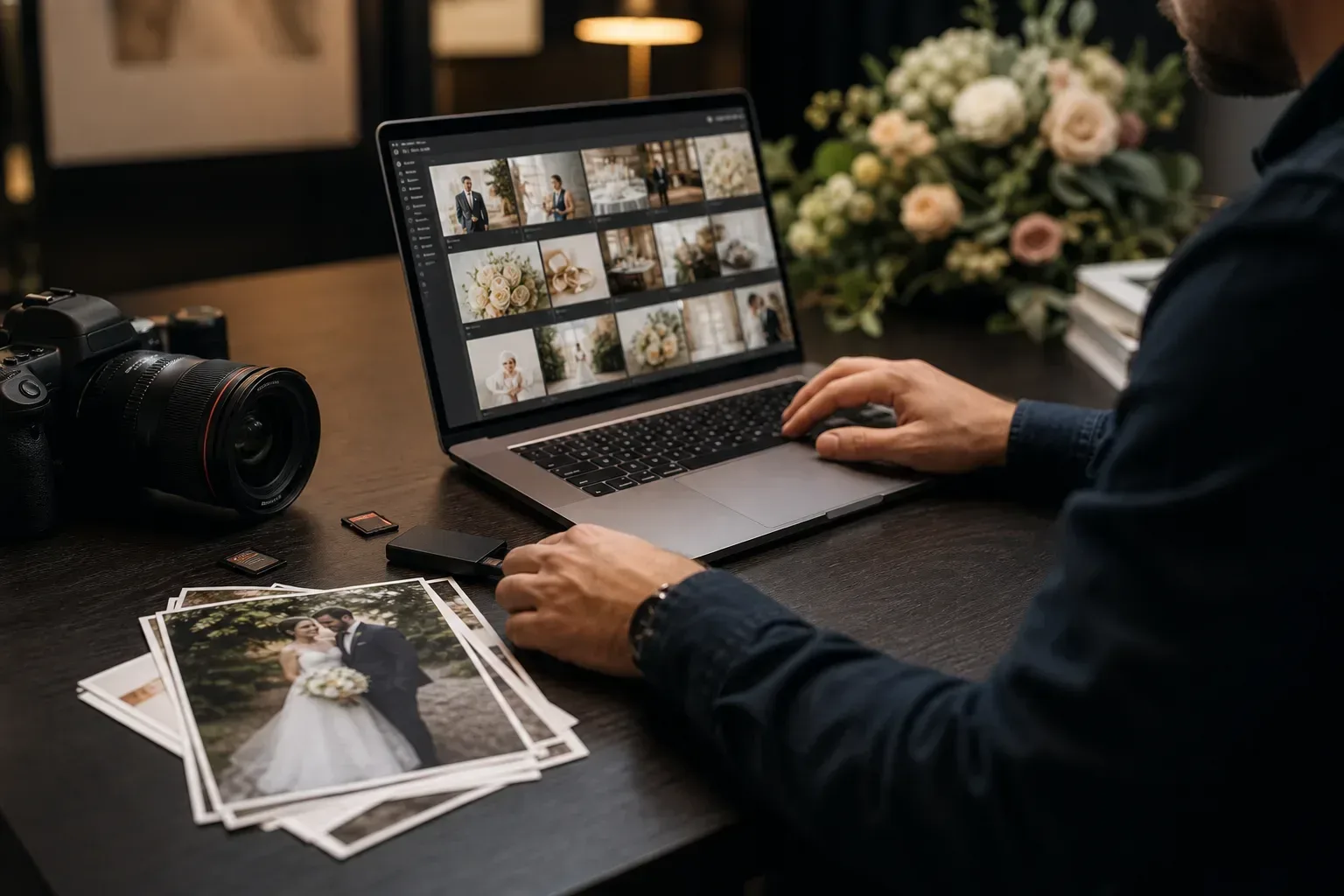 A full wedding gallery needs both presentation and practical download access. Treat those as two parts of one handoff.
Method | Best for | Why it can fail |
|---|---|---|
USB drive | Keepsake packages and in-person delivery | Slow to update, easy to misplace, and not ideal for remote clients |
Cloud folder | Storage, backups, or collaboration with editors | Couples can run into sign-in prompts, folder confusion, and unclear final versions |
Generic transfer link | One-time movement of large files | Usually weak for browsing the full wedding story before downloading |
Client gallery | Browsing, sharing, and reliving the wedding day | May still need a clear full-resolution download package |
Gampi gallery plus delivery link | A polished gallery experience with clearer final downloads and access controls | Still requires careful file prep, album structure, and client instructions |
Use Gampi Wedding Photography for gallery presentation and Simple Transfer when couples need a direct final download package.
A sneak peek might be 30 images. A complete wedding gallery can include hundreds or thousands of edited files, multiple album sections, full-resolution exports, and sometimes video clips or archives. That creates three client risks: the page is hard to browse, the download is hard to complete, or the couple does not know which files are final.
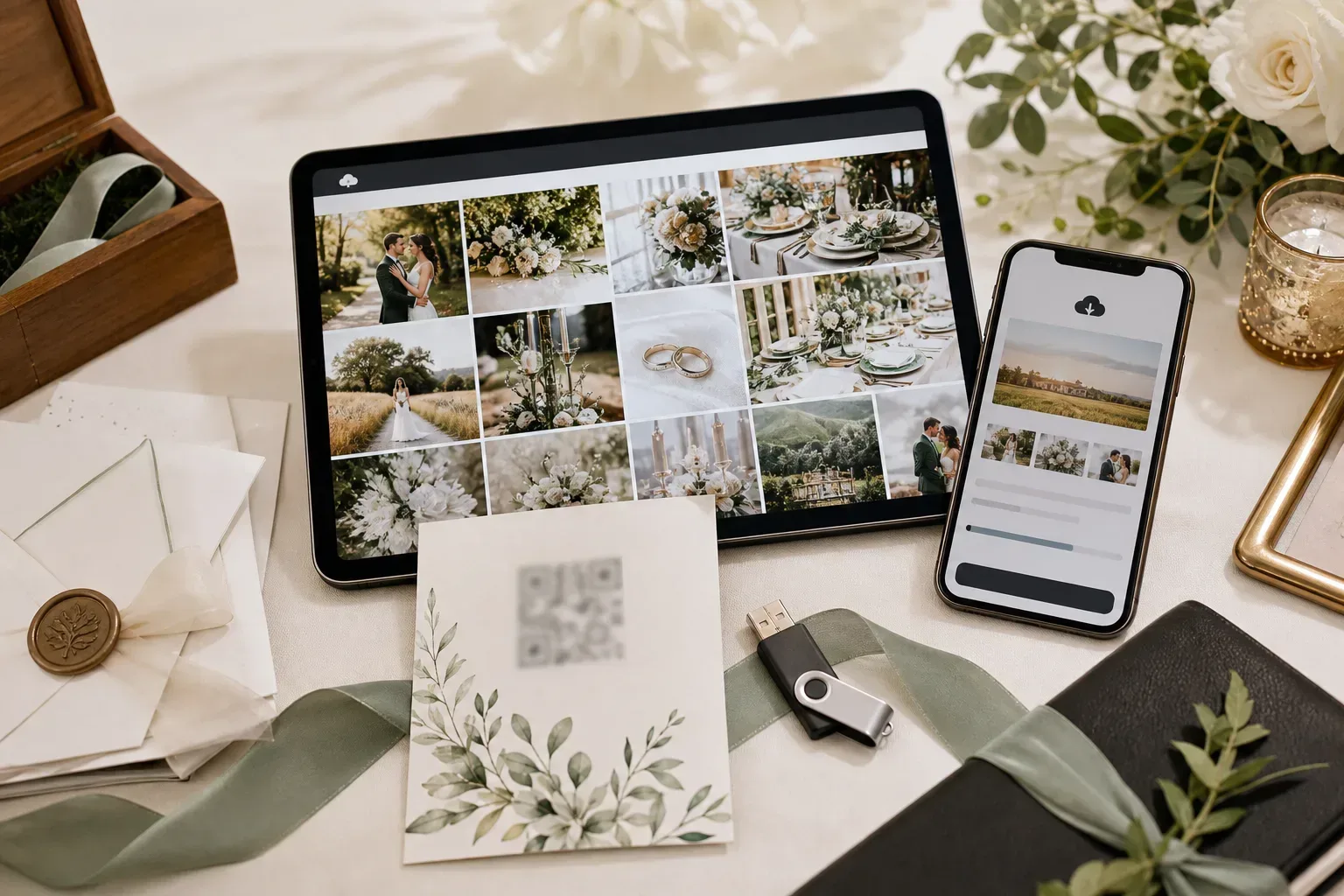 Organized sections make a large wedding gallery feel intentional instead of overwhelming.
 The couple should know whether they are browsing previews, downloading finals, or saving a full-resolution package.
Hi [Names], your full wedding gallery is ready here: [link]. You can browse the gallery online and download the final files from the delivery page. If you see a password prompt, use: [password]. Please download the files before [date] and save a backup on your computer or cloud storage. If anything looks unclear, message me before the link expires.
Problem | Likely cause | Fix |
|---|---|---|
The couple cannot find the final download | The gallery and download package are not explained clearly | Use one delivery message and label which link is for browsing and which is for final files |
Mobile download feels slow | Full-resolution galleries can be heavy on phones | Tell clients to preview on mobile but download the full package on a stable desktop connection |
Files look duplicated | Exports, highlights, and full galleries are mixed together | Separate highlights from final full-resolution folders before uploading |
Clients ask whether the link is permanent | The deadline or backup instruction was not stated | Include the expiration date and ask clients to save their own backup |
The gallery was forwarded too widely | A private wedding gallery was shared without access control | Use password protection or a time-limited delivery link when privacy matters |
Gampi helps wedding photographers separate the viewing experience from the final file handoff: Wedding Photography for gallery presentation and Simple Transfer for direct delivery of finished files, folders, or archives. For related guidance, read how to deliver wedding photos to clients, photo delivery platform for wedding photographers, and client file delivery for photographers.
Use a gallery for the wedding story and a controlled delivery link for the full-resolution package.
The strongest workflow is to publish an organized gallery for browsing and provide a clear delivery link for the complete full-resolution download package.
A zip or archive can be useful when couples need one complete package, but it should not replace a browsable gallery. Use the gallery for viewing and the archive or folder package for final saving when that matches the package you sold.
They can download the full set if the photographer provides a complete download package, folder, or archive. For very large galleries, tell clients to use a stable desktop connection and save a backup after downloading.
Export the final full-resolution files, organize them clearly, upload them to a delivery page, test the link, and send instructions that explain download access, password, expiration, and backup expectations.
Use a clear gallery link with access controls when privacy matters, add password protection or expiration for sensitive deliveries, and remind the couple that the delivery link is not a replacement for their own long-term backup.
A criteria-first guide to choosing a wedding gallery platform for previews, downloads, privacy, mobile access, QR sharing, and client handoff.
A practical wedding photo delivery workflow covering previews, galleries, final transfers, access settings, and client expectations.
A practical workflow for sharing model portfolio photos privately with galleries, review links, original downloads, and clear access rules.