
Best Gallery Platform for Wedding Photographers: What to Look For
A criteria-first guide to choosing a wedding gallery platform for previews, downloads, privacy, mobile access, QR sharing, and client handoff.
Recommendations
4 min read

Published June 18, 2026 | 4 min read
A client download link is enough for wedding photos when the couple needs a simple way to save a finished set, sneak peek, vendor selection, or full-resolution archive. Use a gallery when they need to browse the full story, and use a download link when the main job is clear file handoff.
 A download link is best when the client already knows what they need to save and the page makes that action obvious.
Use Gampi Simple Transfer when couples need a polished download page for sneak peeks, final files, folders, or archives.
Option | Best for | Watch out for |
|---|---|---|
Download link | Finished files, sneak peeks, vendor selects, family downloads, or archives | It can feel too narrow if the couple needs to browse the full wedding story |
Wedding gallery | Browsing, sharing, reliving the day, and organized album sections | Large final downloads may still need a clear delivery link or archive |
Cloud folder | Internal storage, backup, or collaboration with editors | Sign-in prompts, permissions, and folder navigation can confuse clients |
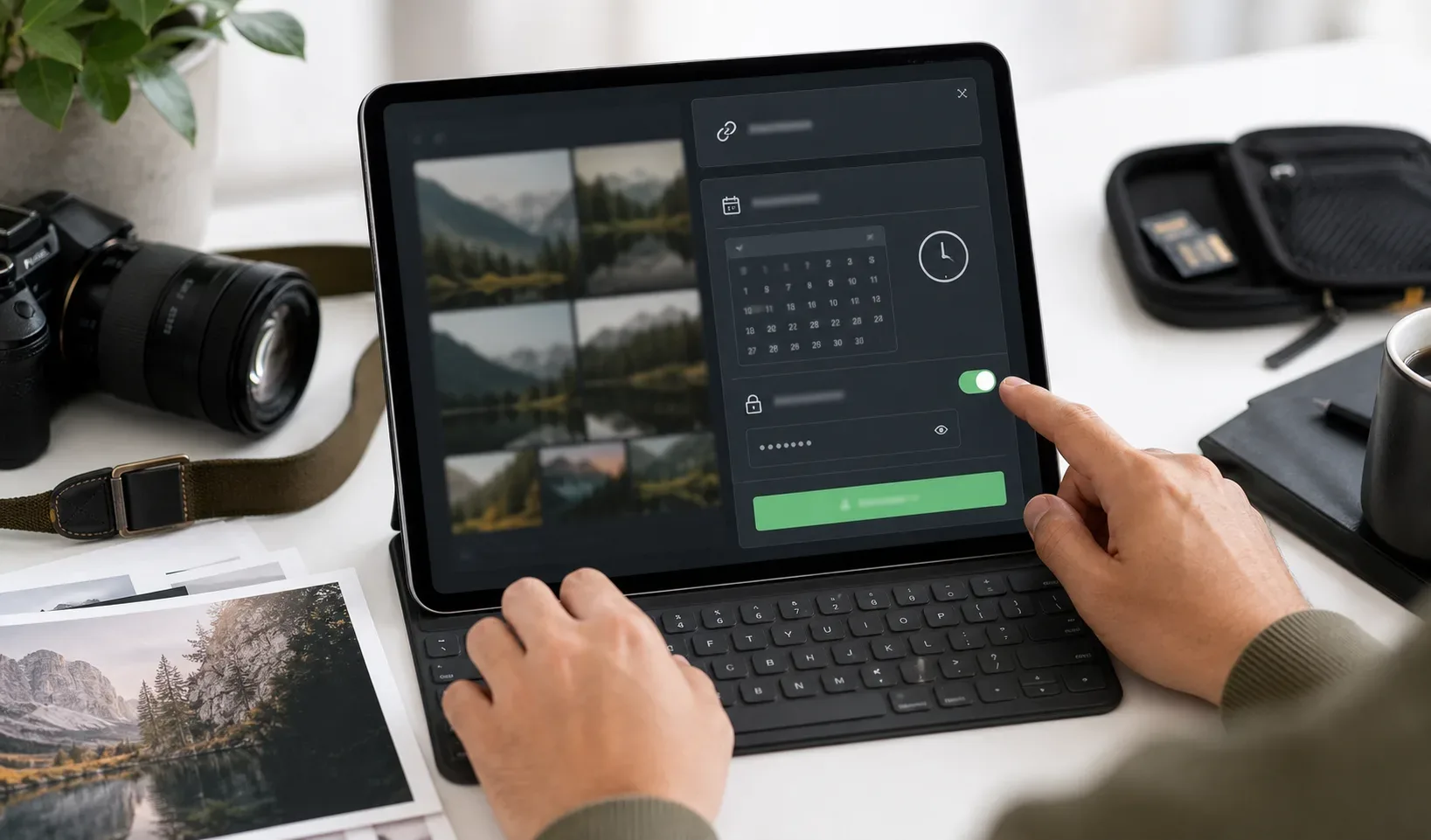 Use password and expiration settings when the files are private, paid, or should only be available for a clear delivery window.
A single download link is not always the best first experience. Use a wedding gallery when the couple needs to browse hundreds of images, share the story with family, revisit album sections, or choose favorites. A common workflow is gallery first, then a download link for the final full-resolution package.
 The couple-facing page should make the next step clear: preview, enter a password if needed, and download before the deadline.
Hi [Names], your wedding photos are ready to download here: [link]. This link includes [sneak peeks/final files/archive]. If the page asks for a password, use: [password]. Please download and back up the files before [date]. If anything looks unclear, message me before the link expires.
Shared Gampi delivery links can be opened in the browser, and password-protected links ask for the password before access. Expiration controls future access to the transfer page; it does not remove copies the couple already downloaded, saved, or forwarded.
For related workflows, read how to deliver wedding photos to clients, temporary download links for photographers, and best way to send full wedding galleries.
Send a focused download link with previews, optional password protection, expiration, and clear client instructions.
Prepare the final files, upload them to a delivery page such as Gampi Simple Transfer, choose link delivery, add any password or expiration settings, test the page, and send the link with clear download instructions.
A good client download link should avoid account friction. Shared Gampi delivery links can be opened in the browser; if password protection is enabled, the couple enters the password before accessing the files.
Yes. Password protection is useful for private weddings, paid files, vendor selects, and family downloads that should not be open to anyone with the link.
Yes, a download link works well for a small sneak peek set because the couple can save the files quickly. For the full wedding story, a gallery may be better before the final download package.
After expiration, the transfer page no longer opens for future access. Expiration does not delete files the couple already downloaded, so ask them to save their own backup before the deadline.
A criteria-first guide to choosing a wedding gallery platform for previews, downloads, privacy, mobile access, QR sharing, and client handoff.
A practical wedding photo delivery workflow covering previews, galleries, final transfers, access settings, and client expectations.
A practical wedding photo delivery workflow for preparing files, organizing albums, sending client links, and following up after the final handoff.